Setting up your Partner details
Once your partner account is created, you can now provide further company details to enable your onboarding and gain a better view on the set of resources you can use.
1 - Open the Storyblok App
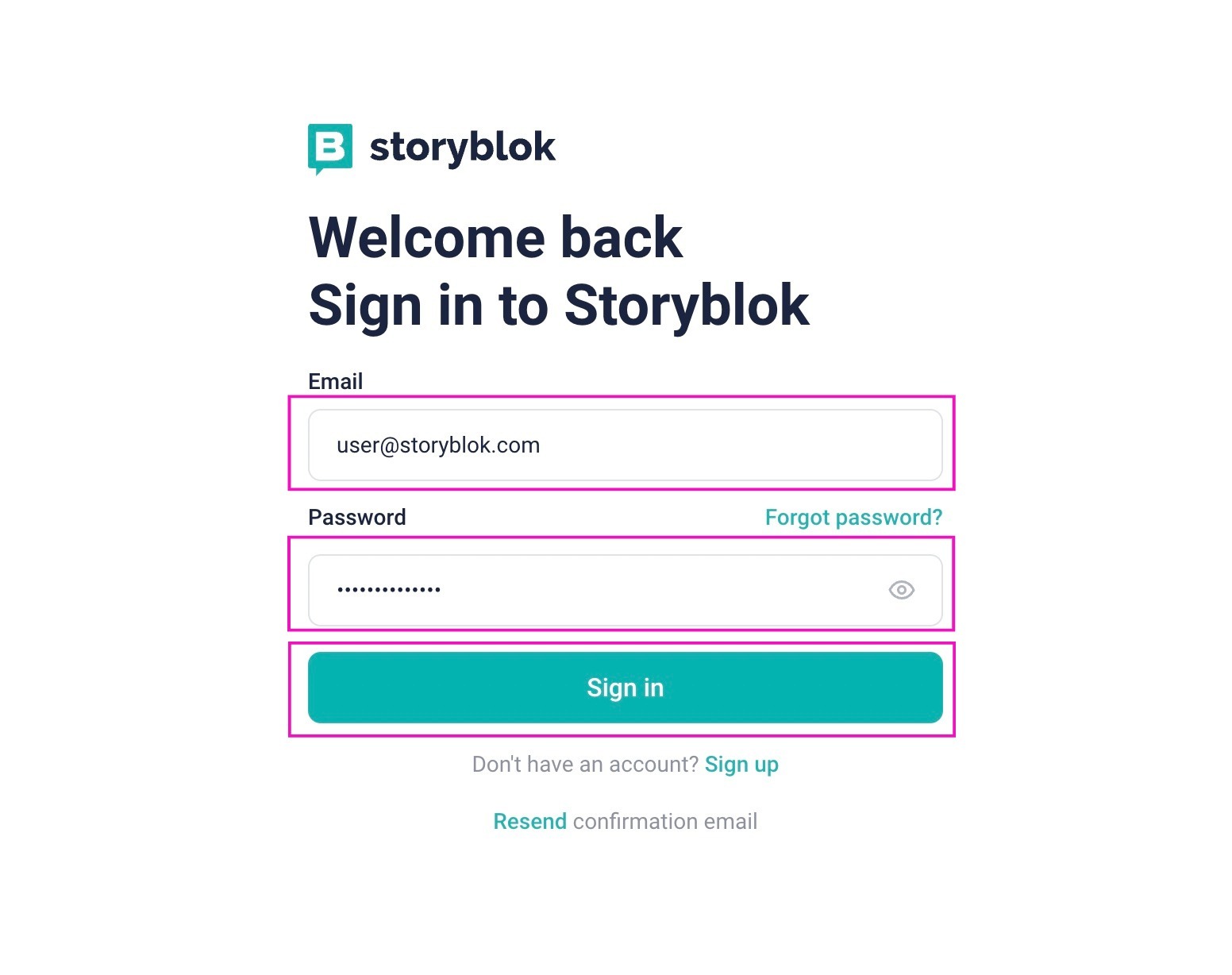
2 - Enter your account Email and Password, then click Sign in
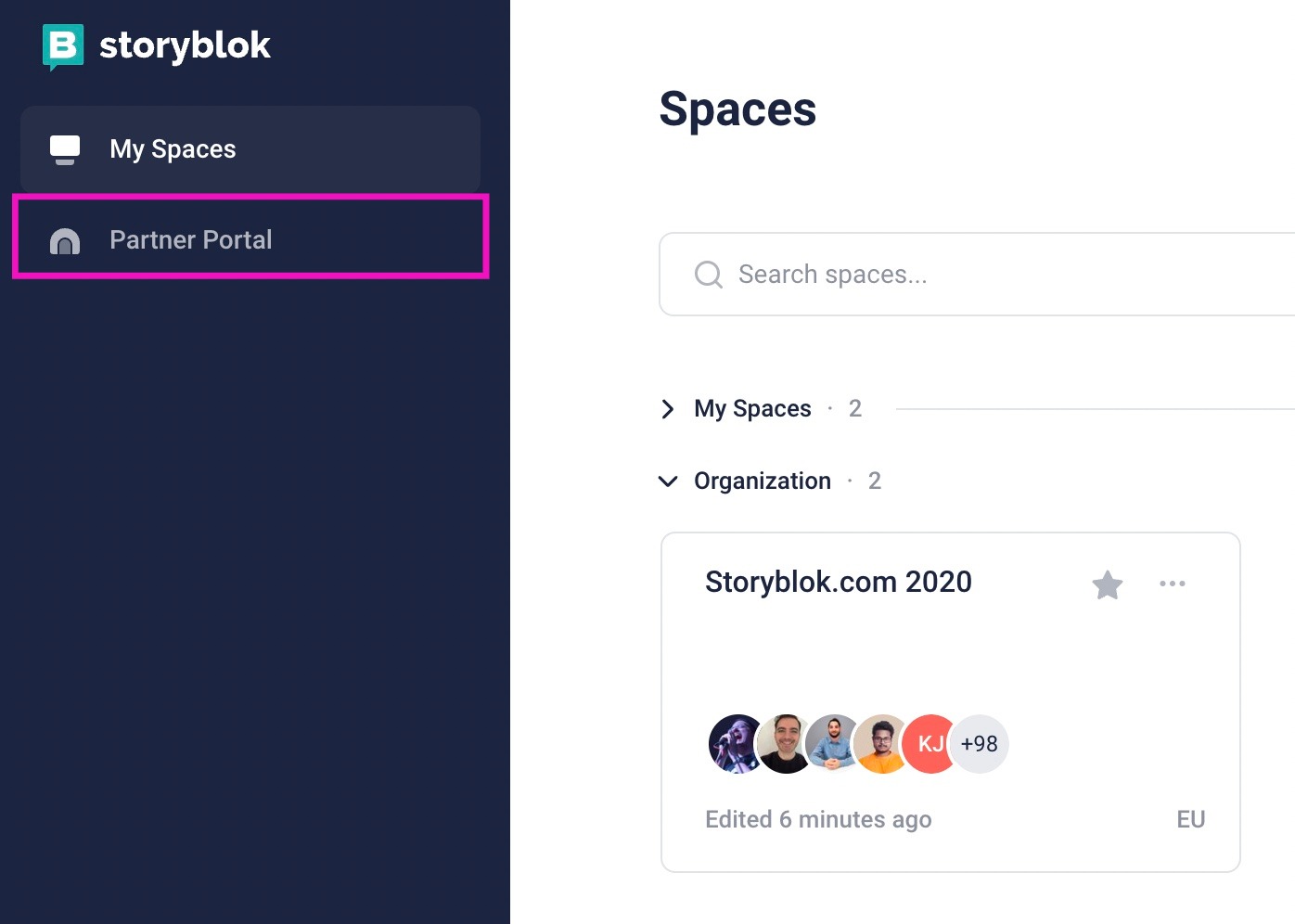
3 - You will land on the Spaces page, click on the upper-left side where the Partner Portal can be accessed
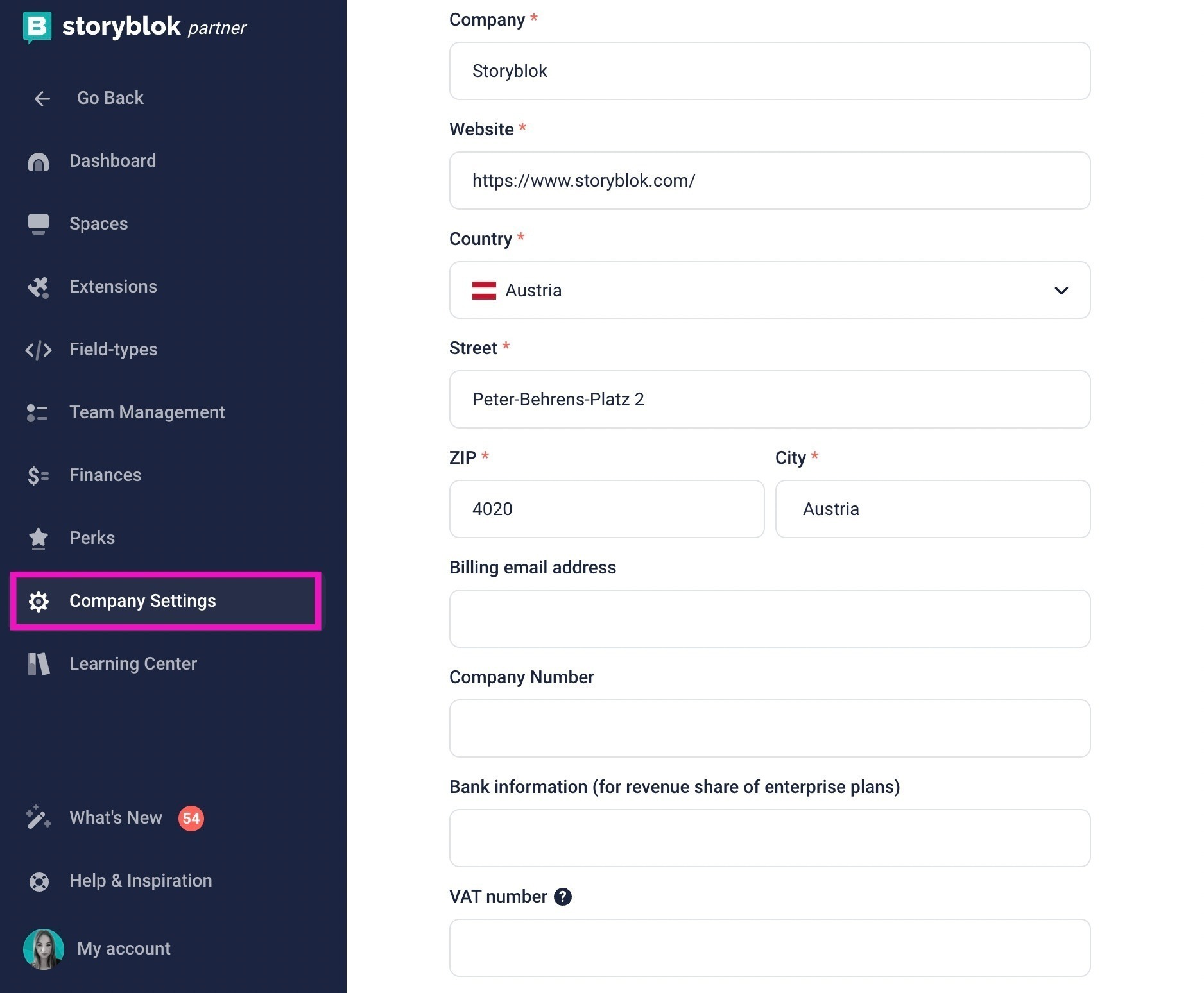
4 - Enter Payment Details
- Go to Company Settings
- Enter Company name, Website, Country, Address, Billing e-mail, Company Number, Bank information (for revenue share of enterprise plans) and, VAT Number
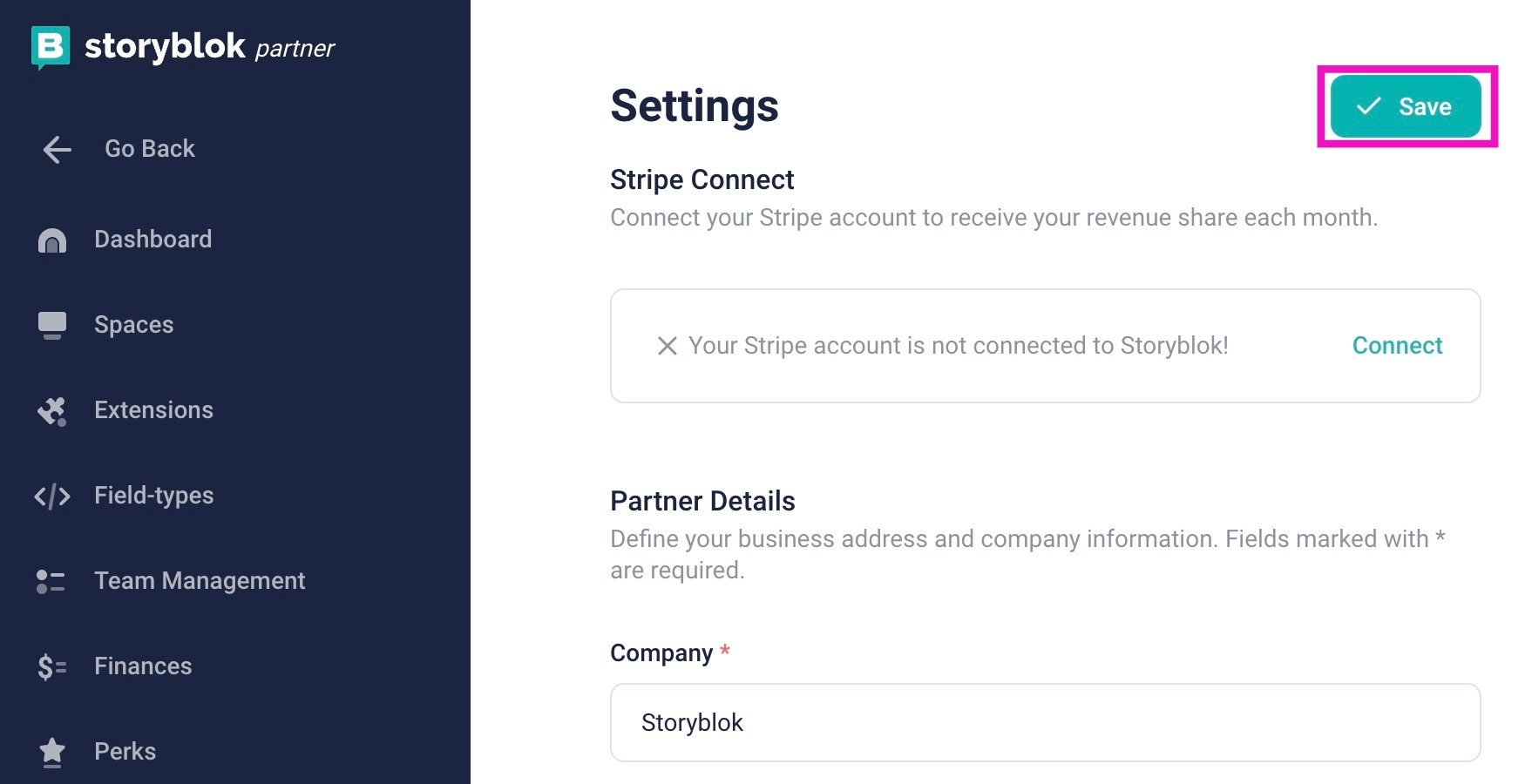
5 - Once you add your company details and click Save in the top right corner, the process will be complete.