Top 10 Best CMS for E-Commerce in 2026

Storyblok is the first headless CMS that works for developers & marketers alike.
Quick answer: Storyblok is built to scale with e-commerce brands from their first launch through complex, multi-brand growth, pairing headless flexibility with an editing experience marketers can actually run themselves. All-in-one platforms like Shopify Plus or BigCommerce suit teams that want commerce built directly into the CMS. For enterprises weighing highly customized, code-heavy builds, Adobe Commerce remains an option worth comparing.
- Storyblok is the headless CMS that lets developers build fast storefronts while marketers launch campaigns, localize, and personalize without touching a line of code. Get a demo to see it in action (opens in a new window).
- Fashion retailer Paul Smith swapped its custom-built CMS for Storyblok and got a 92 SEO Lighthouse score in return. Read the case study.
The e-commerce market isn't slowing down
The global e-commerce market continues to grow year after year, as online shopping becomes the primary way people shop rather than the alternative. Here's where things stand:
- According to Statista, the e-commerce market is expected to reach $3.88 trillion in 2026 (opens in a new window), with an annual growth rate of 6.84%, and is expected to reach over $5 trillion by 2030.
- ~60% (opens in a new window) of global online retail sales now happen on mobile devices, up from 57% in 2024. Statista's mobile commerce tracking shows the share climbing toward 63% by 2028.
- 2.8+ billion (opens in a new window) digital buyers worldwide in 2026, roughly a third of the global population, according to eMarketer estimates.
Behind every one of those numbers is the same story: more people, on more devices, expecting a faster and more consistent experience than the year before. That's a lot of pressure on whatever platform is holding your storefront together, and it's why the content management system (CMS) you build on matters more now than it did even two years ago. A slow checkout or a clunky mobile layout doesn't just cost you a sale; at this scale, it costs you a share of a market that's only getting bigger.
Key features to look for in a CMS for e-commerce
1. Integrations to extend functionality
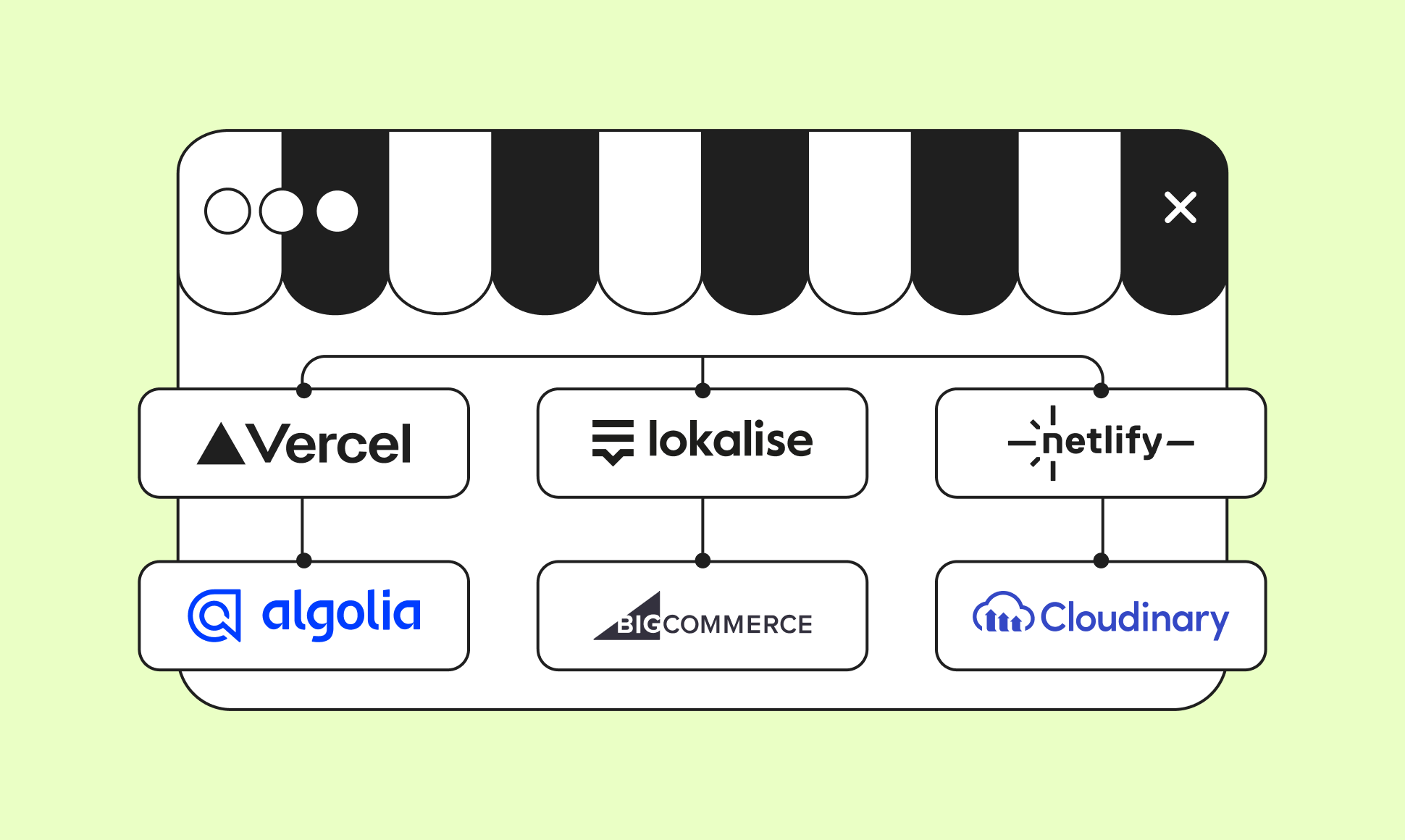
A modern e-commerce CMS must integrate with third-party tools: payment gateways (Stripe, PayPal), customer relationship management (CRM) platforms, and marketing tools. Look for a CMS that offers both built-in plugins and open APIs (application programming interfaces), so your dev team isn't blocked when you need something custom.
2. Mobile responsiveness
As shared previously, mobile now accounts for roughly 60% of global online retail sales, and that share is only climbing. More people are using smartphones to browse and buy, which makes online shopping more accessible and convenient, and reshapes how consumers interact with brands.
With that in mind, a CMS must prioritize mobile responsiveness, ensuring that your e-commerce store provides an optimal experience across various devices. Mobile-friendly design enhances user satisfaction and positively impacts search engine rankings.
3. Omnichannel content delivery
In today's world, customers move between your website, app, and social channels in a single buying journey. Omnichannel content delivery means publishing once and keeping that brand experience consistent everywhere it shows up, which lifts engagement, loyalty, and conversion rates.
4. Localization
Selling globally means supporting multiple languages, currencies, and regional preferences from day one. A CMS with strong localization tools lets you tailor content per market without spinning up separate sites.
5. Personalization
The best e-commerce CMS platforms use behavioral and purchase data to serve personalized product recommendations and promotions in real time, which is one of the fastest ways to lift conversion rate.
6. SEO features
A CMS with built-in SEO tools (meta tags, structured data, clean URLs) helps your store rank and get found. Combine this with answer engine optimization (AEO)—structuring content so AI tools like ChatGPT and Google's AI Overviews can surface it—since that's increasingly where product research starts.
7. AI readiness
AI is now part of how e-commerce content gets made and found, from generating on-brand product copy to structuring content so AI search tools like ChatGPT and Google's AI Overviews can surface it. Look for a CMS with AI features built into the editing workflow (translation, SEO, alt text), and an API-first architecture that lets you plug in whichever AI tools and models your team already trusts, rather than being locked into one vendor's black box.
The 10 best CMS for e-commerce in 2026
1. Storyblok

Known for its flexibility and headless architecture, Storyblok allows businesses to create and manage content across various platforms. Its scalability, user-friendly Visual Editor, a variety of e-commerce integrations, SEO and other tools, make it an excellent choice for e-commerce companies.
With Storyblok, businesses can effortlessly extend functionality by integrating various third-party tools and services through APIs. Meanwhile, Storyblok has multiple ready-made integrations with leading e-commerce platforms such as BigCommerce, Shopify, and Centra.
That same API-first foundation makes it straightforward to connect AI tools into the content workflow, too. Storyblok's built-in AI Suite covers AI Translations, AI SEO, and AI Alt Text directly in the editor, and a native MCP server supports agentic and LLM-driven workflows for teams building more advanced automation. Its Bring Your Own AI option lets teams plug in the provider they already trust (OpenAI, Gemini, Perplexity, or Claude) instead of being locked into one vendor's model. For teams automating content operations more broadly, FlowMotion adds workflow automation on top, triggering translations, approvals, and notifications from content events.
Additionally, headless architecture supports omnichannel content delivery, ensuring a consistent and engaging brand experience across various platforms. Another crucial benefit is support for localization and personalization through its flexible structure and integrations.
- Pros: Visual Editor for non-technical teams; strong native e-commerce integrations; scales with API-first architecture.
- Cons: Headless setups need developer involvement upfront to configure the frontend.
Recognized as a top-rated headless CMS on G2, based on real reviews from the people who use it. See the latest G2 report and awards.
Shopify Plus provides a user-friendly interface, customizable themes, and a wide range of app integrations, making it a comprehensive e-commerce solution for businesses of all sizes. The platform stands out with advanced features, including multi-channel selling and advanced analytics, and is designed with scalability in mind to handle the needs of growing enterprises.
Shopify's built-in AI tools, Shopify Magic and the Sidekick assistant, help merchants generate product copy, automate admin tasks, and set up store automations through natural-language commands, all included on standard plans.
- Pros: Deep app ecosystem; strong multi-channel selling tools; reliable uptime at scale.
- Cons: Pricing runs higher than most alternatives; businesses with highly specific requirements may hit customization limits.
BigCommerce stands out for its robust features, including built-in SEO tools, omnichannel content delivery, and flexible payment options. It's ideal for businesses looking for a scalable and secure e-commerce solution.
BigCommerce's AI tooling includes its BigAI Copywriter for SEO-focused product descriptions, alongside newer additions like Storefront MCP support for AI-agent-driven shopping.
BigCommerce can also be integrated as a third-party solution alongside other content management systems, giving teams flexibility in how they structure their stack.
- Pros: Strong native SEO tooling; flexible payment gateway support; can integrate as a headless backend with other CMS platforms.
- Cons: Less visually customizable out of the box than design-first platforms like Wix or Squarespace.
4. OpenCart
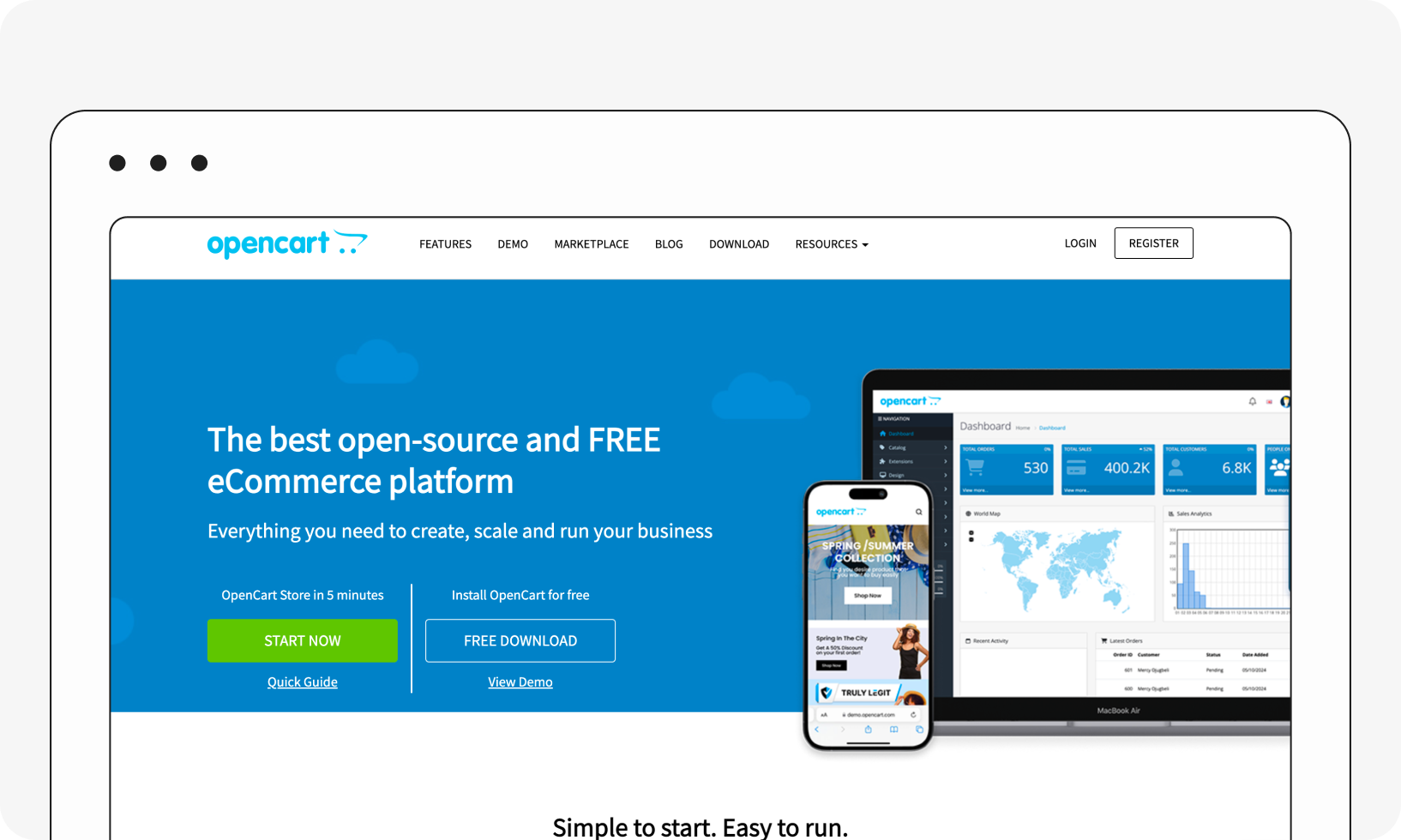
OpenCart is an open-source platform known for its simplicity, user-friendly interface, and large community of users. It provides a range of extensions and themes, though it ships with fewer built-in features compared to other platforms.
OpenCart is best for small to medium-sized businesses seeking an open-source solution with simplicity and user-friendliness.
- Pros: Free to use; large extension marketplace; straightforward for non-developers to run.
- Cons: Fewer built-in features compared to hosted platforms, expect to add extensions for functionality that competitors include natively.
5. Wix
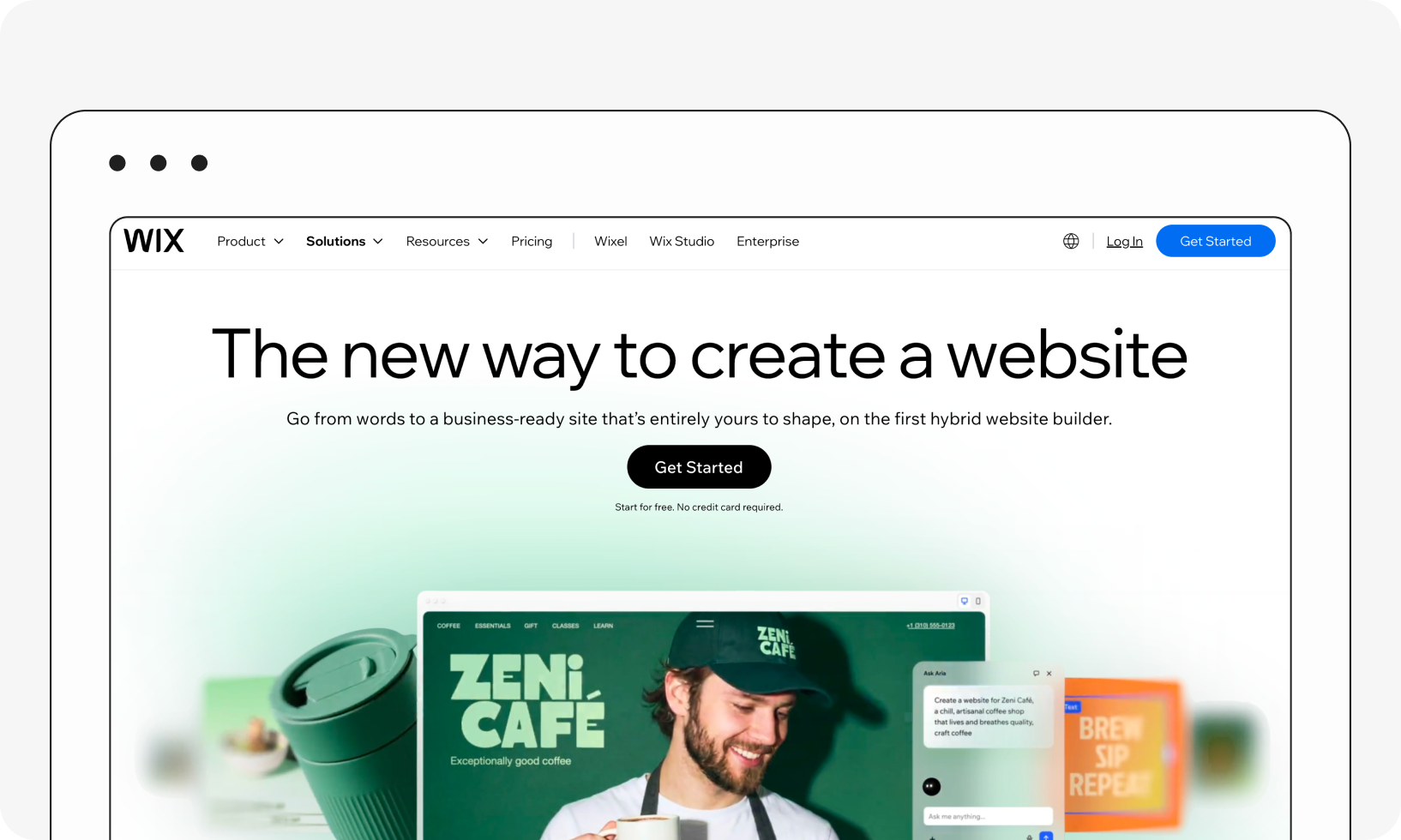
Wix is a versatile website builder with e-commerce capabilities. Its drag-and-drop functionality and extensive app market make it an attractive option for those who want a user-friendly and visually appealing online store.
Wix is ideal for small businesses that prioritize a visually appealing, user-friendly website with e-commerce capabilities built in.
- Pros: No-code, drag-and-drop editing; large app market; fast to launch.
- Cons: Less suited to complex or high-volume catalogs than dedicated commerce platforms.
6. WordPress
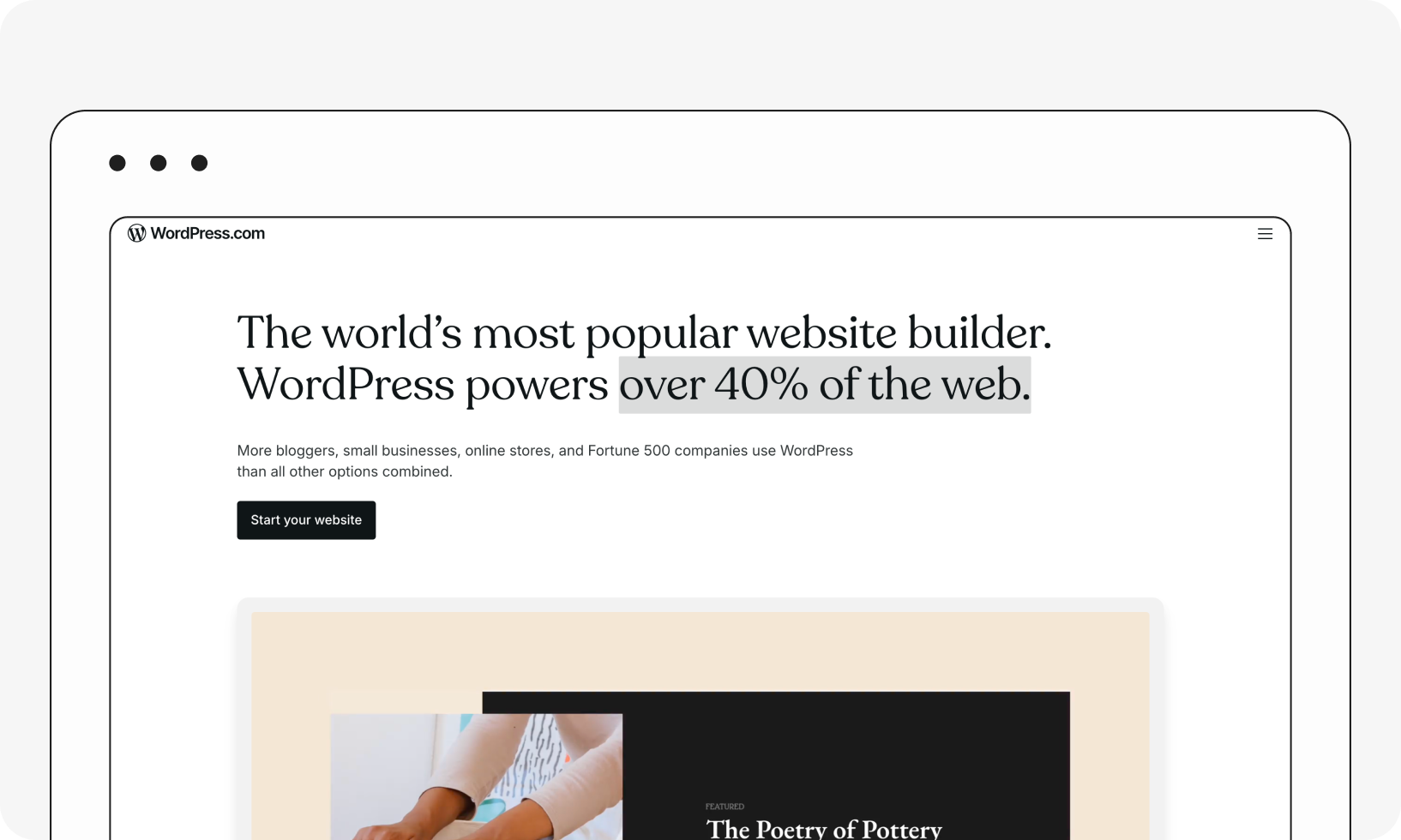
WordPress is a popular open-source CMS. To make it e-commerce-friendly, businesses pair it with the WooCommerce plugin. As a mature solution, WordPress has a vast community, with numerous plugins, themes, and resources available for support.
WordPress is best for small and medium businesses seeking a highly customizable and feature-rich e-commerce solution, though regular updates and maintenance require ongoing time and effort.
- Pros: Enormous plugin and theme ecosystem; large community and support base; full data ownership since it's self-hosted.
- Cons: Requires regular updates and maintenance, which takes time and technical attention.
7. Squarespace
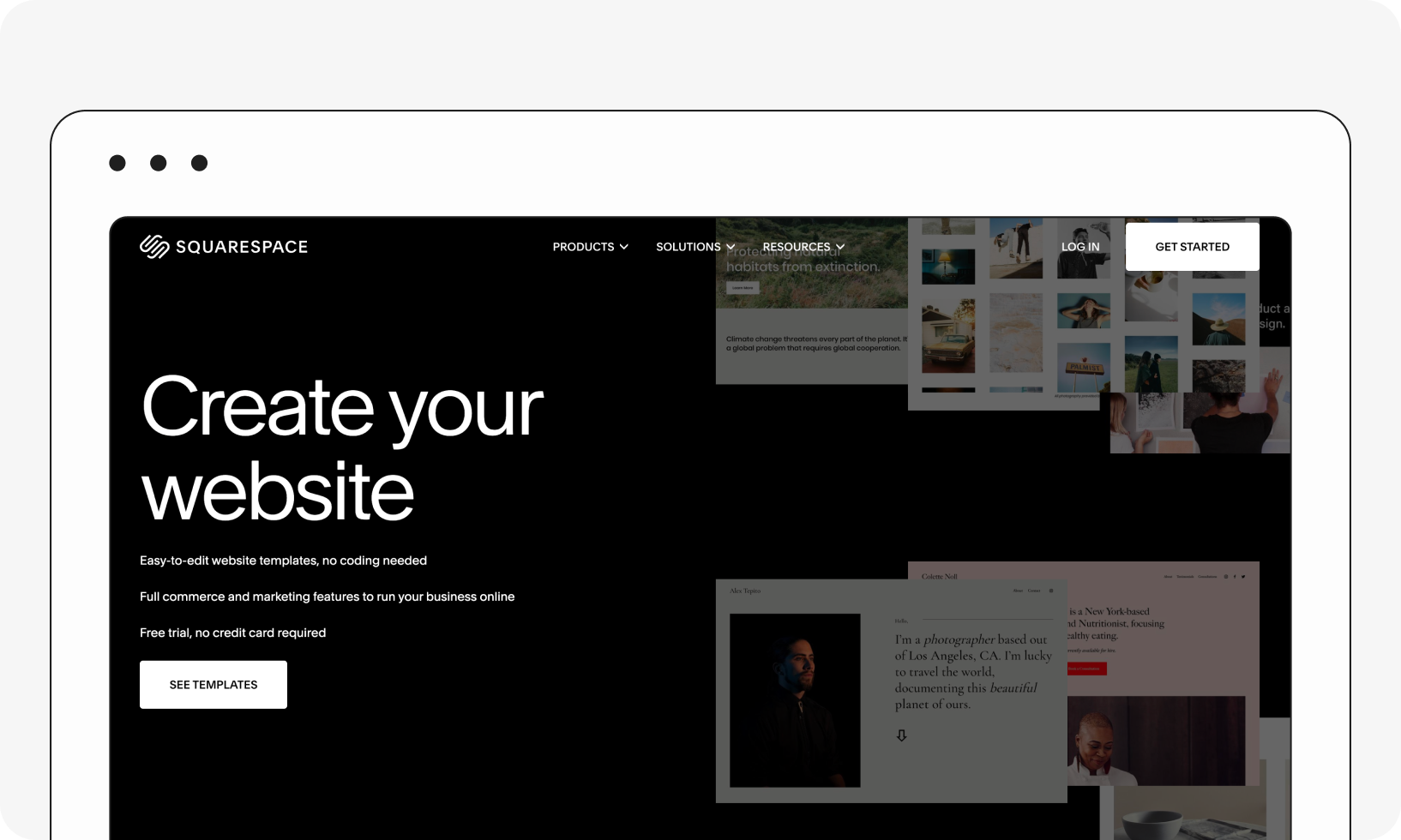
Squarespace is an all-in-one solution for website building and e-commerce, known for its visually appealing, modern design templates and ease of use. The platform is user-friendly, making it accessible for those without extensive technical skills.
Squarespace caters to creative entrepreneurs and small businesses looking for an aesthetically pleasing online presence, though the level of customization might not match other platforms.
- Pros: Design-forward templates; genuinely easy to use without technical skills.
- Cons: Customization ceiling is lower than code-first platforms; may not fit businesses with complex e-commerce needs.
8. PrestaShop
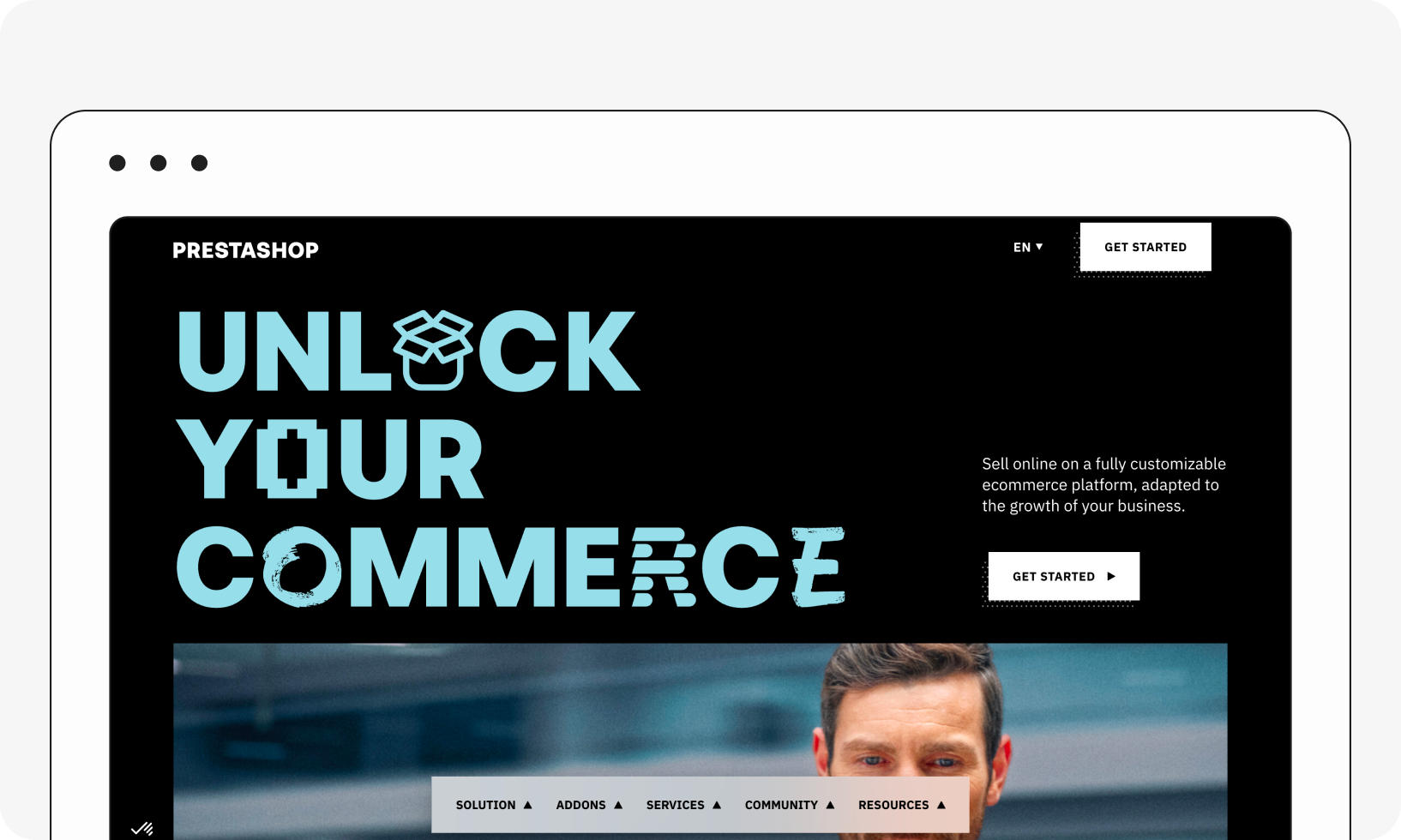
As an open-source, self-hosted solution, PrestaShop offers flexibility and customization options, along with a dedicated community and ample support resources.
PrestaShop is best for businesses seeking a flexible and customizable open-source solution, though extensive customization may require technical expertise.
- Pros: Full flexibility and data ownership; active community support.
- Cons: Extensive customization requires technical expertise; third-party module quality varies.
9. Adobe Commerce
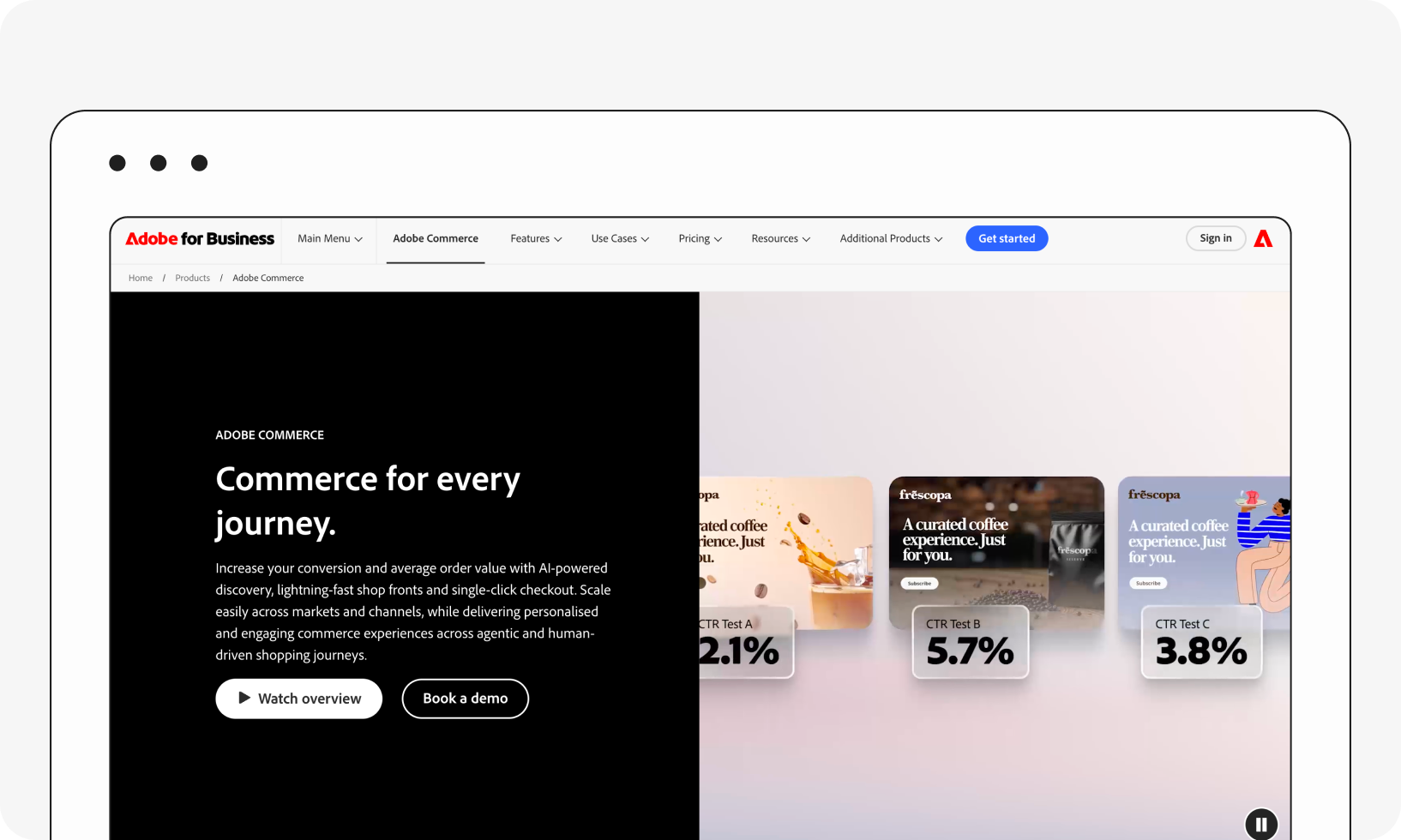
Formerly known as Magento, Adobe Commerce is a robust and scalable platform favored by large enterprises. It provides extensive customization options, making it suitable for businesses with complex requirements, and its integration with Adobe's suite of tools enhances the overall digital experience.
Adobe Commerce's AI capabilities run through Adobe Sensei, powering product recommendations and Live Search out of the box; more advanced agentic AI features require deeper integration with Adobe Experience Platform.
Adobe Commerce suits large enterprises requiring a highly customizable, feature-rich platform.
- Pros: Extensive customization; native integration with Adobe's broader digital experience suite.
- Cons: Higher price point and a steeper learning curve than most platforms on this list.
10. Joomla
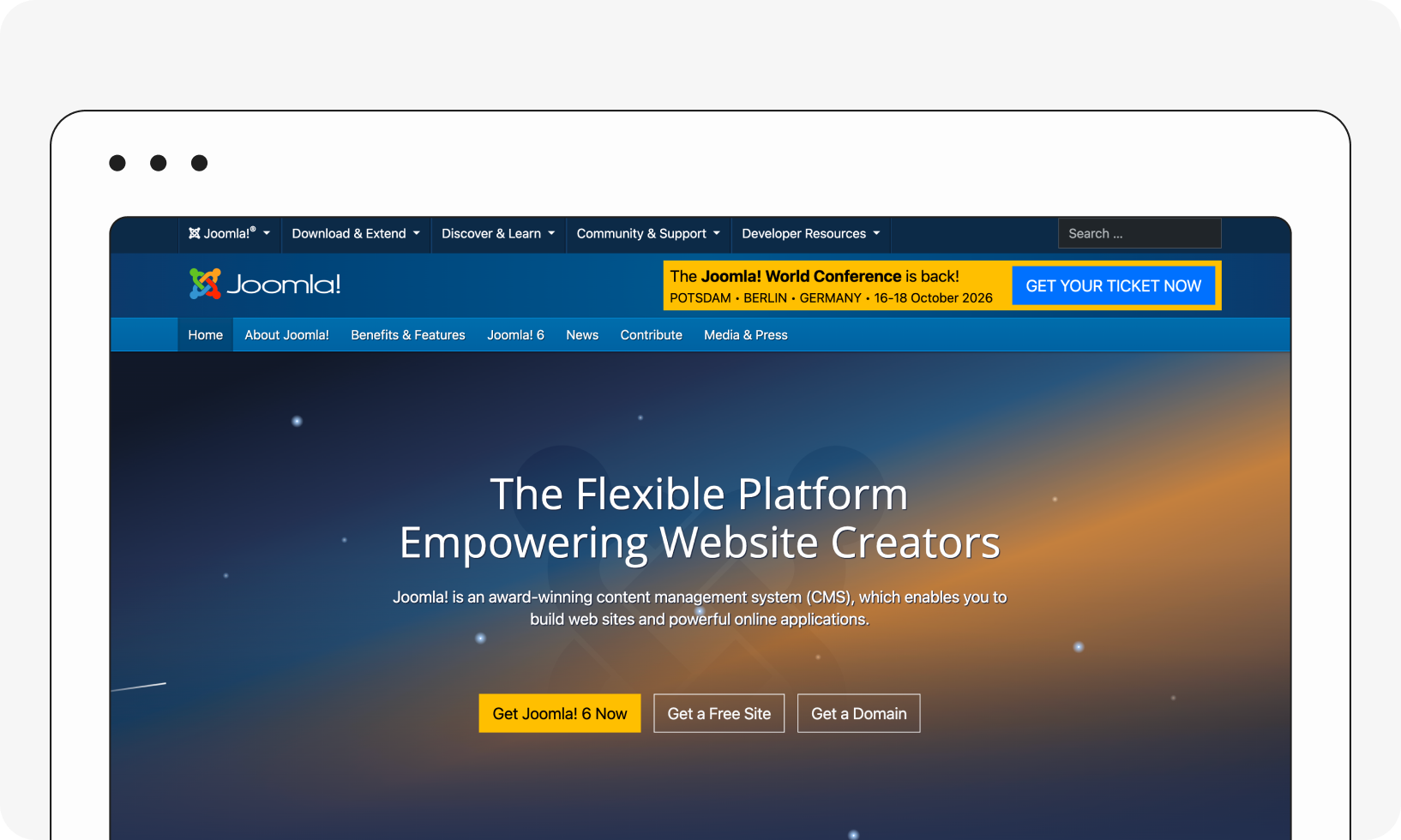
Joomla is a CMS with e-commerce extensions, making it ideal for businesses seeking comprehensive content management alongside online store functionality. Its user-friendly interface and essential e-commerce features, like product catalog management and secure payment options, make it a compelling choice for a holistic online presence.
Despite having a learning curve, Joomla's flexibility and extensibility cater to businesses looking for a versatile CMS that seamlessly integrates e-commerce capabilities.
- Pros: User-friendly interface for core content tasks; solid product catalog and payment features via extensions.
- Cons: Has a learning curve, especially for teams without prior CMS experience.